One-to-one virtual coworking, from your phone
A video call for two, at a time you choose: each of you works or studies on your own things. It opens in your phone's browser, nothing to install.
Free · in your browser · 18+
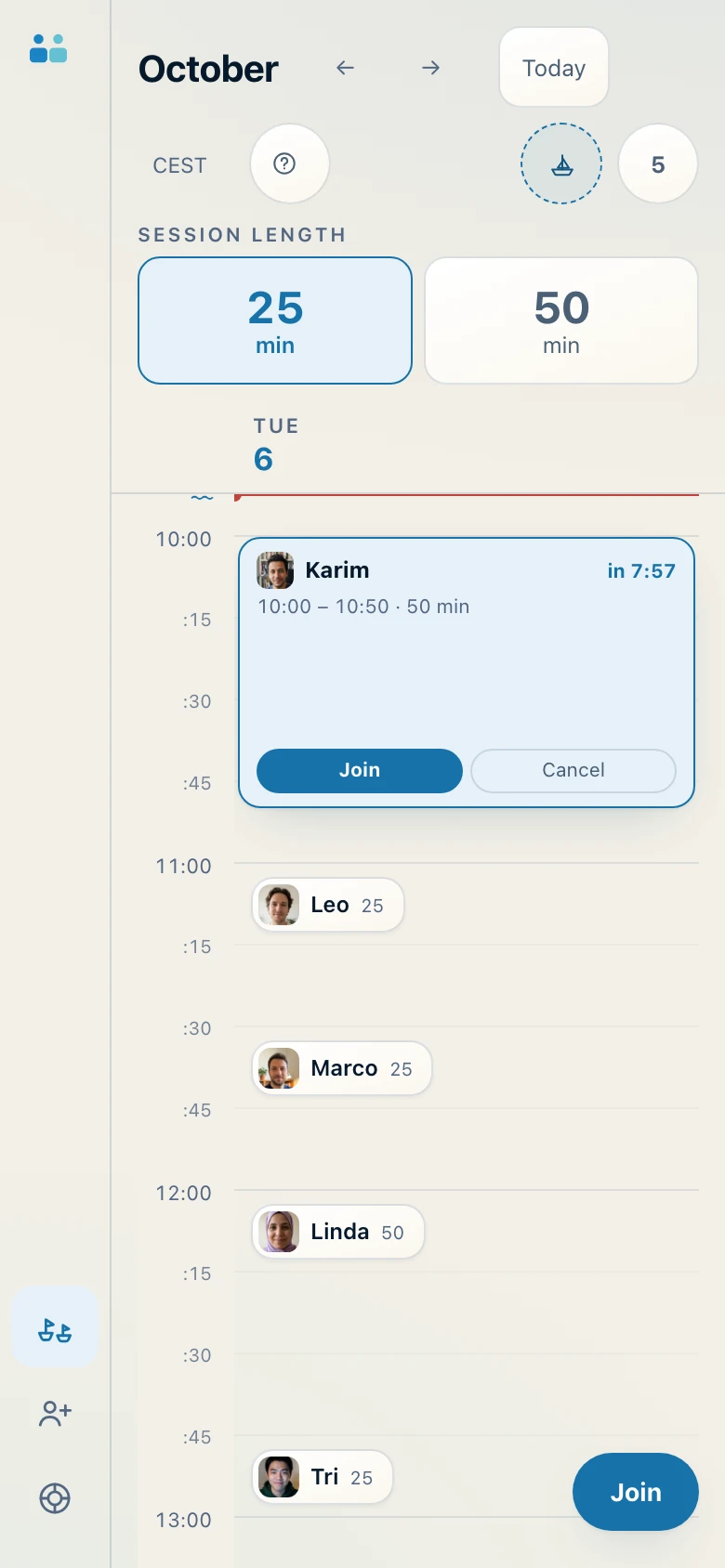
App screenshot with sample data.
The phone for the call, everything else for work
The most comfortable way to use it is almost always this: the phone propped up in front of you works as a window onto the other person, and your computer, book or notebook are left for the work itself. No call window to move around, no split screen.
The opposite works too: if you study on paper or work with your hands, you can use just the phone.
Five things to sort out in a minute
- Prop it up vertically, an arm's length away, with the camera roughly at eye level. A stack of two or three books is enough.
- Check what's behind you: no documents, addresses or other people should end up in the frame.
- Keep the charger close for 50-minute sessions.
- Silence your phone's notifications: the call stays open, the distractions don't.
- Allow camera and microphone when the browser asks. You can switch the microphone off right after saying hello.
A time slot every quarter hour
Choose 25 or 50 minutes, then tap a time in the calendar. At the right time, tap «Join»: we match you with someone who chose the same time and the same length. If you'd like to work with someone you already know, you can send them a link with the times you prefer.
To get the icon on your phone's home screen, the steps are in how to install the app. It's optional.
Where the call goes
When possible, the two phones connect directly, to remove the delay. On mobile networks this often doesn't work: then audio and video go through our server in Frankfurt, in the European Union, which just relays them. No call is recorded.
What the other person sees and how to block or report someone: is coworking with someone you don't know safe?