Lots of people work better when someone is waiting for them.
WeFocusBuddy is online coworking for two. You book a time, a video call with another person opens at the right moment, and each of you works on your own things. Here's how the app works, screen by screen.
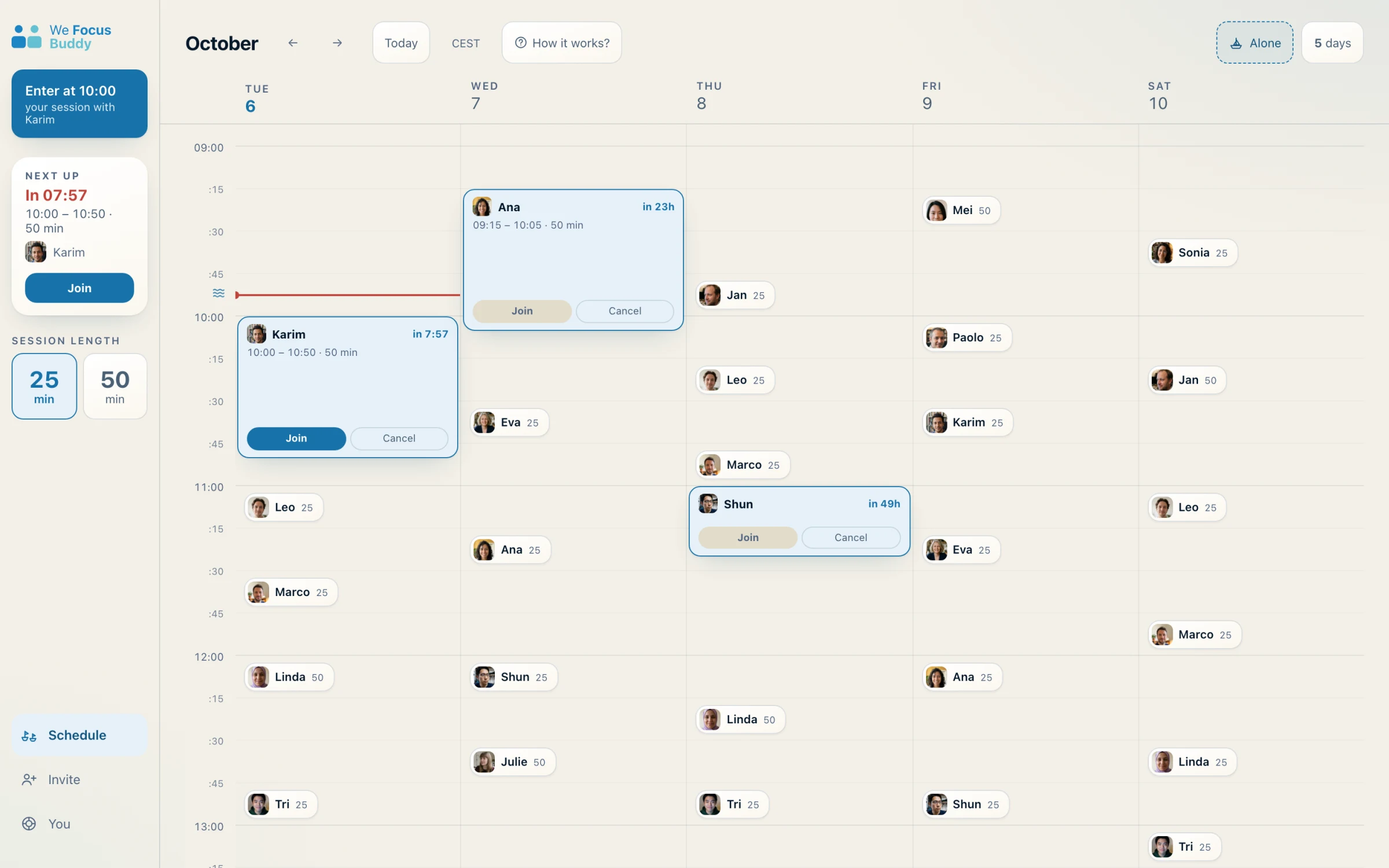
Pick a time: there's one every fifteen minutes.
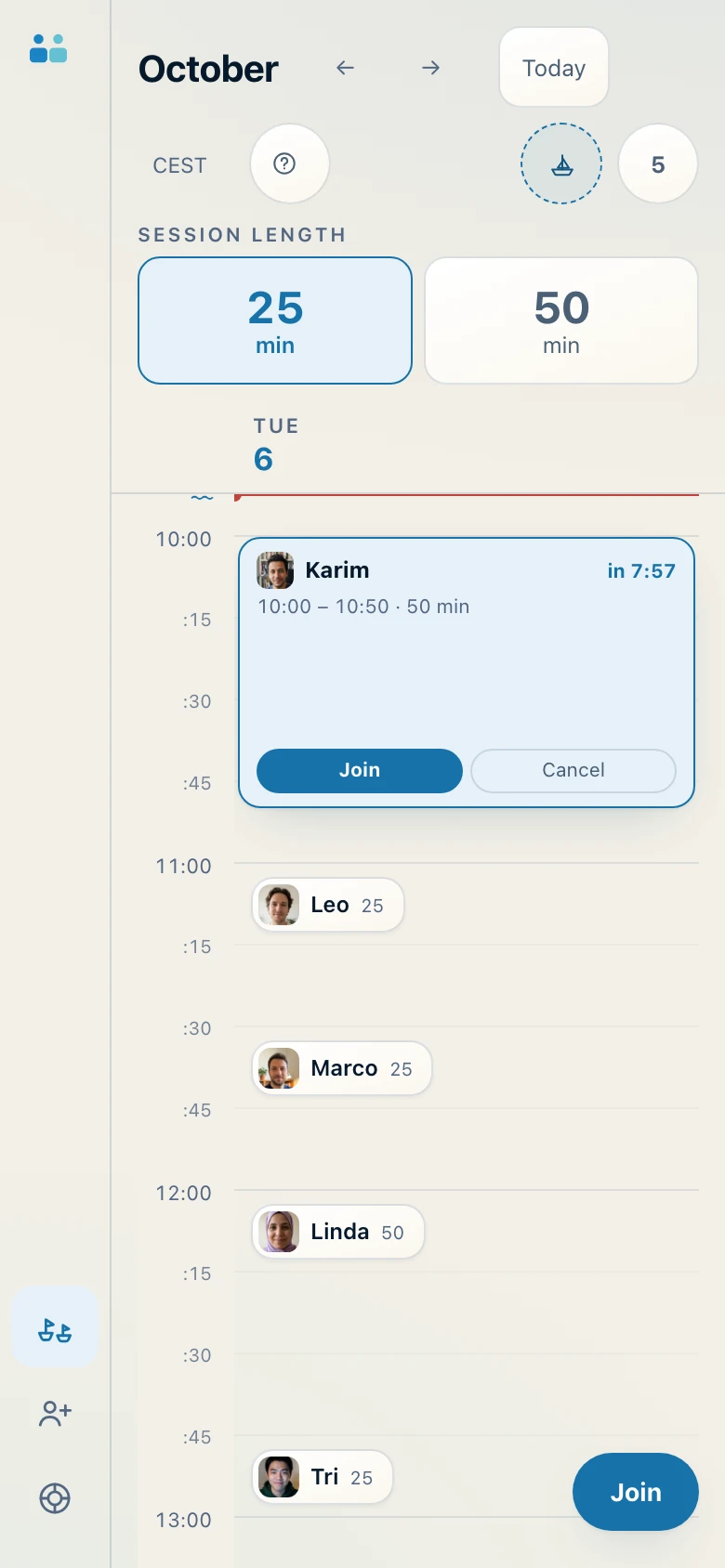
In the calendar you can see who has already booked, and when. Choose 25 or 50 minutes, tap a time and the session is yours. On your computer or your phone, in the browser, with nothing to install.
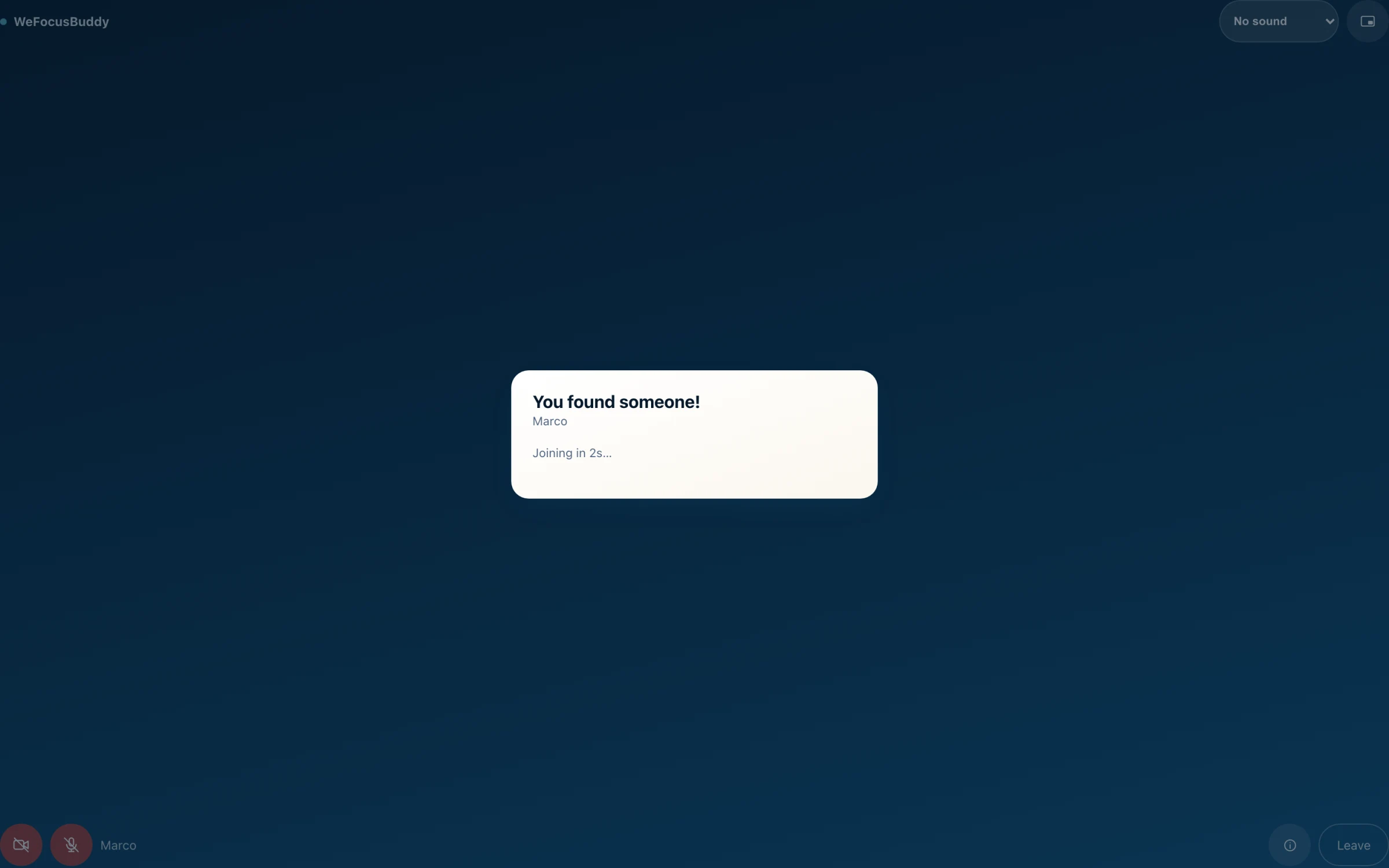
We match you.
At the right time you enter the waiting room. We match you with someone who picked the same time and the same length, and you see them as soon as they arrive. If nobody comes, the session starts anyway, with the timer.
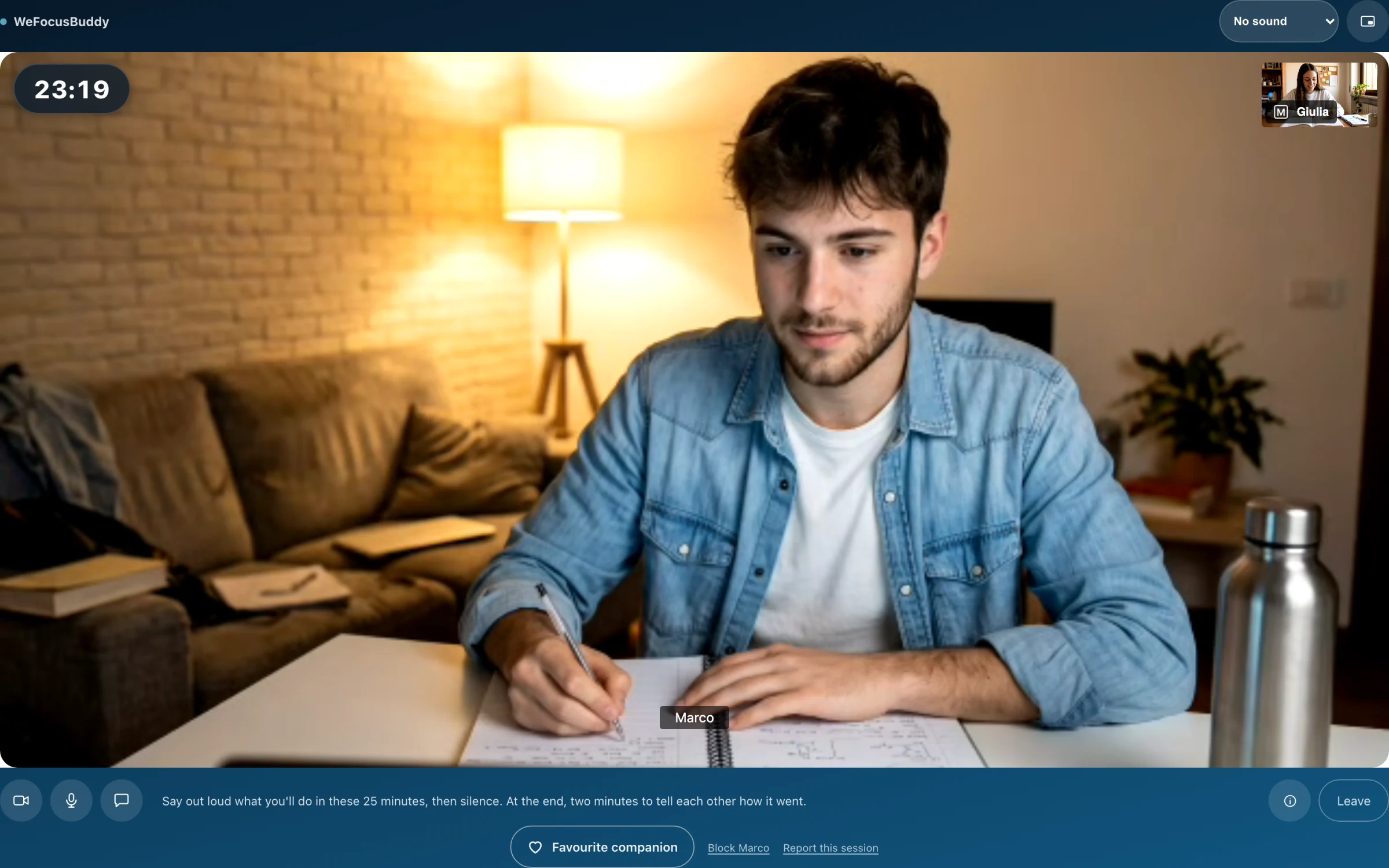
Work, each on your own.
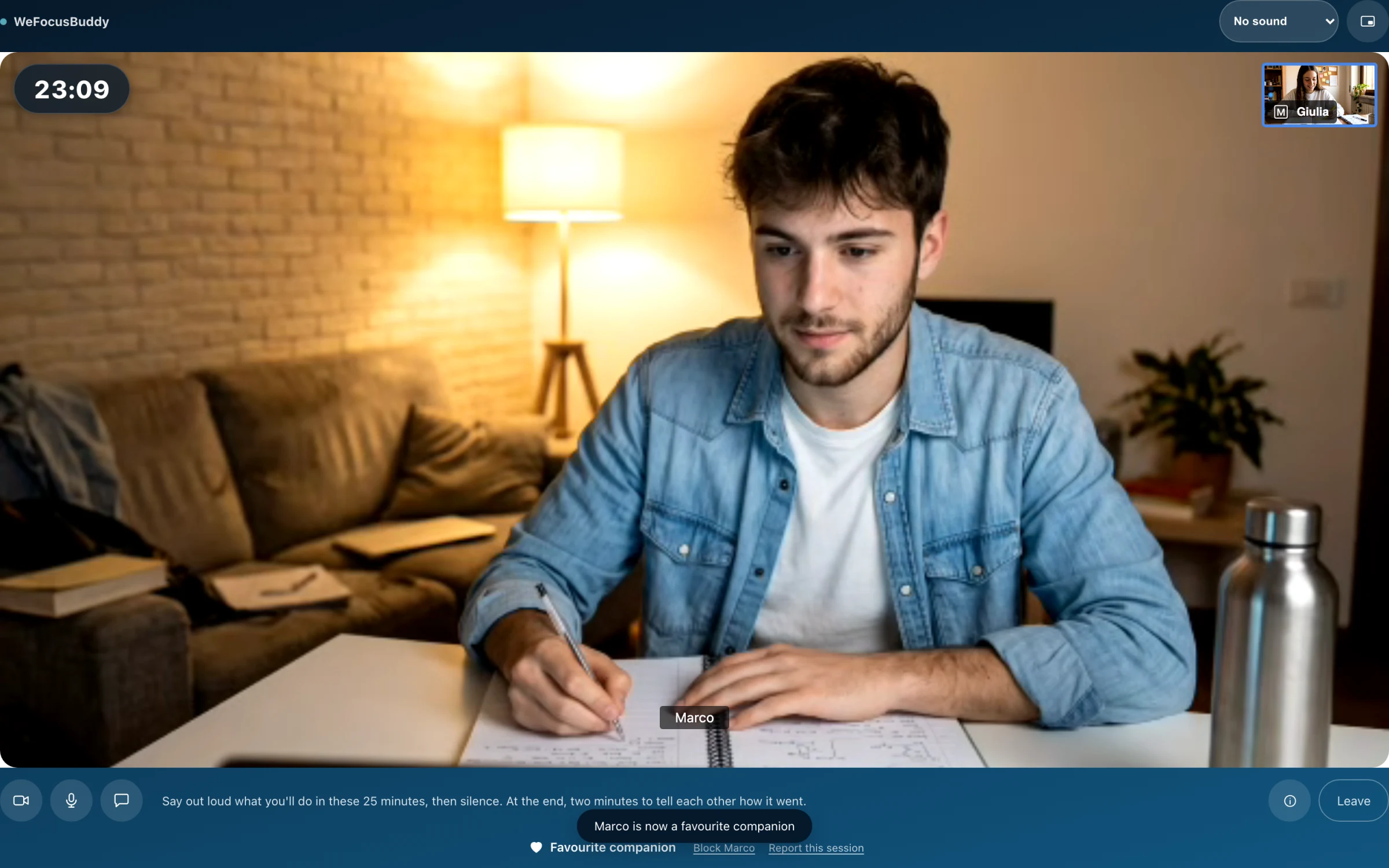
In the first two minutes you each say out loud what you'll do, then it's quiet until the last two, when you tell each other how it went. The timer stays in view the whole time.
If you need another tab, the floating window keeps the other person on top of whatever you're doing.
Bring whoever you like.
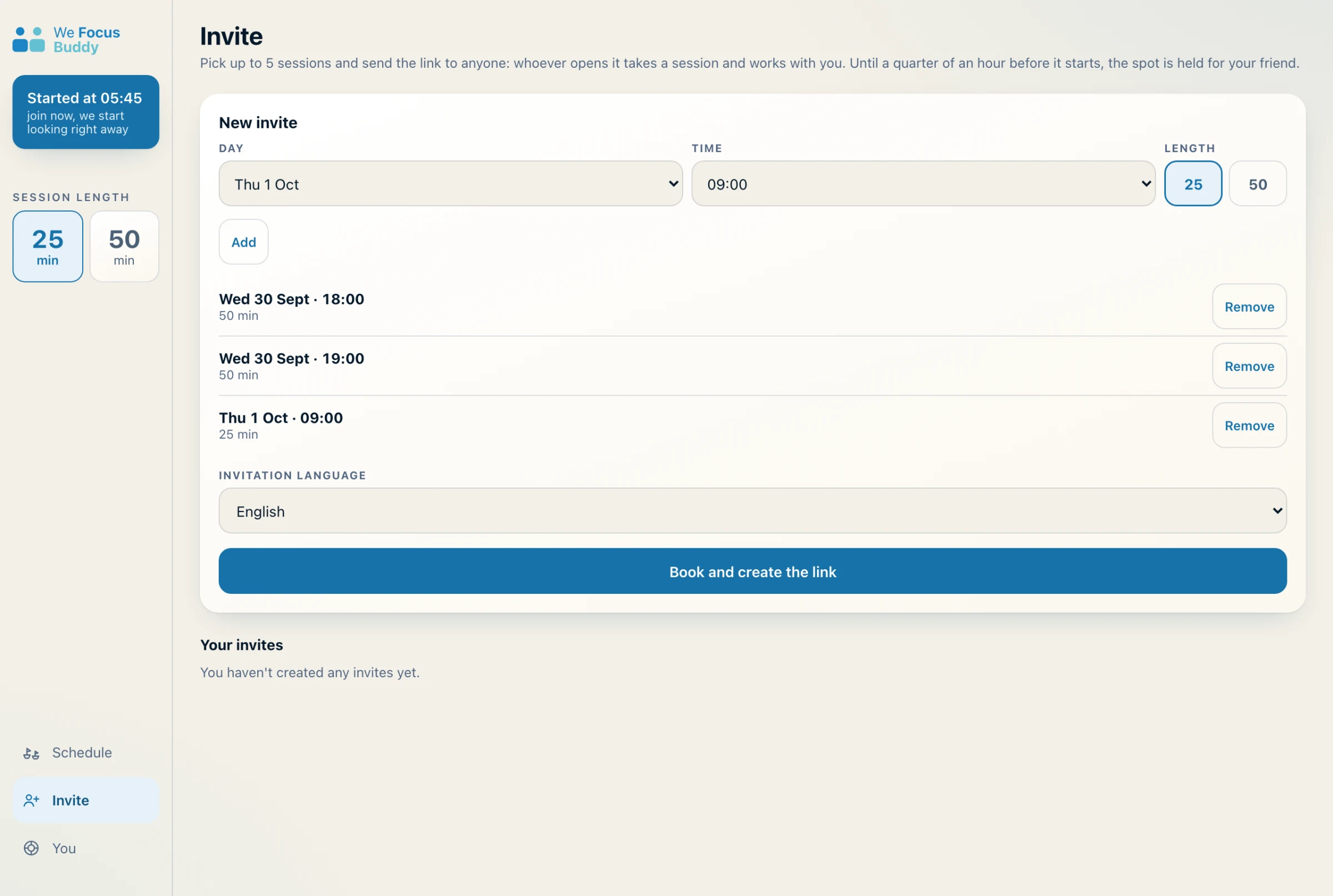
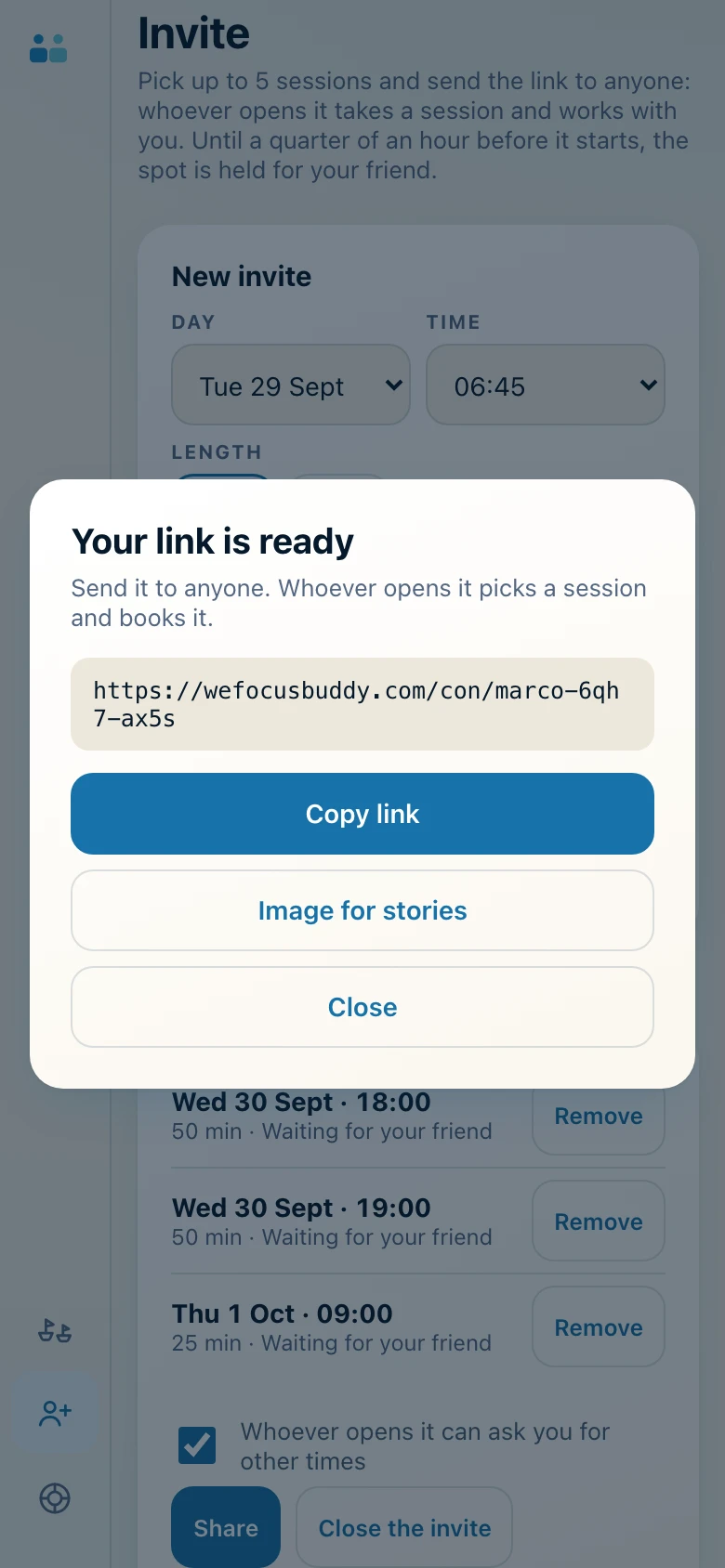
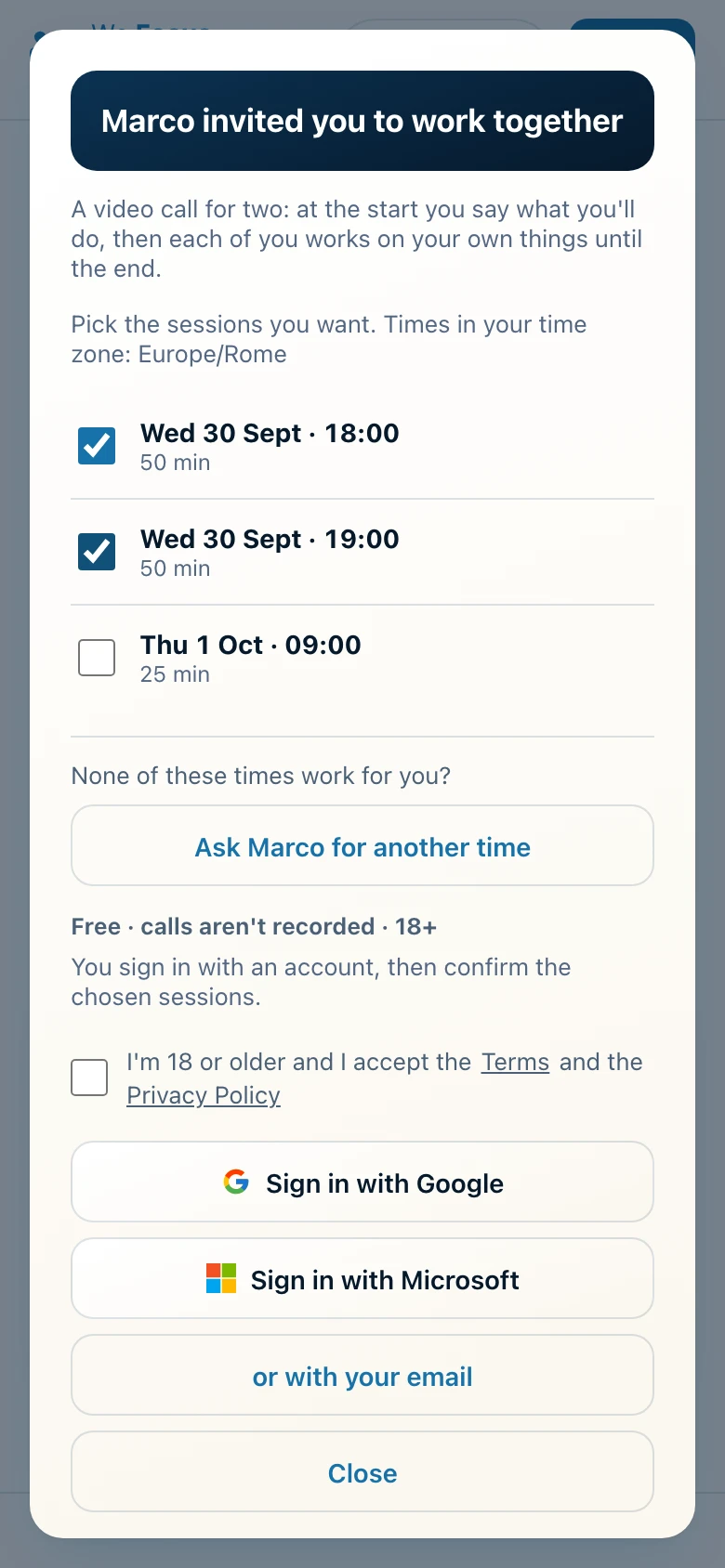
Pick up to five sessions and create a link. Send it in a chat, or put it in your stories with the ready-made image. Whoever opens it picks a time and you work together: until fifteen minutes before the start, the spot is held for them.
Keep track.
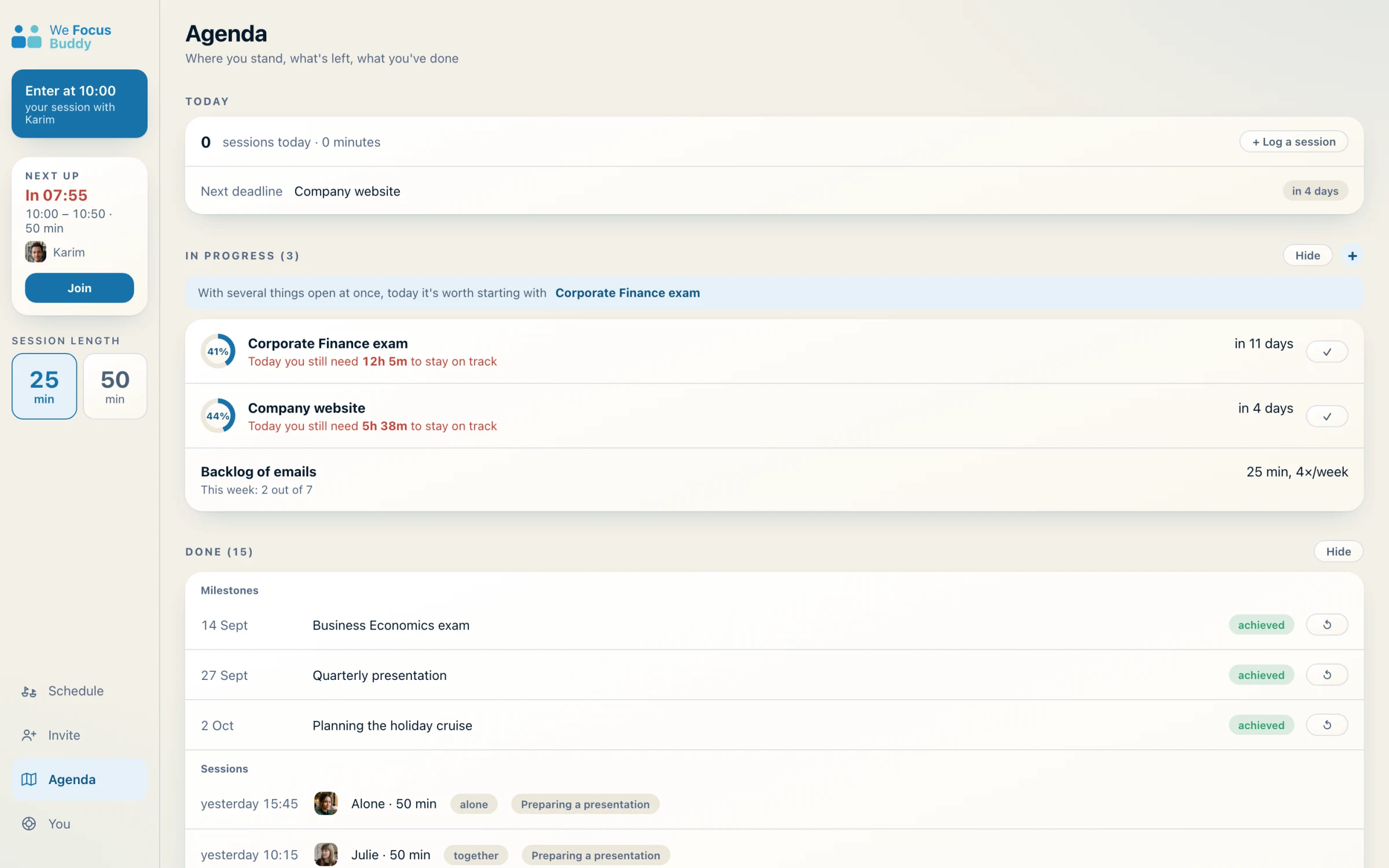
If you need it, turn on the Agenda in You: your goals with their deadlines, how much is left, and the history of the sessions you've done. If you don't need it, it stays off and out of sight.
You're in control.
The heart under the video marks a favourite companion: next time, if they book the same time as you, we match you with that person first. Only you can see it.
If something's wrong, «Block» makes sure we never match you with that person again, and «Report» tells us what happened. In You, you can export your data or delete your account whenever you like.
The next room opens in a few minutes.
Free · in your browser · 18+
Simulated screens.