Body doubling online: another person on the call while you work
In the calendar you can see who has already booked each quarter hour: pick a time, and at that time the two of you join a video call, each on your own work, for 25 or 50 minutes. In the browser on your computer or phone, nothing to install.
Free · in your browser · 18+
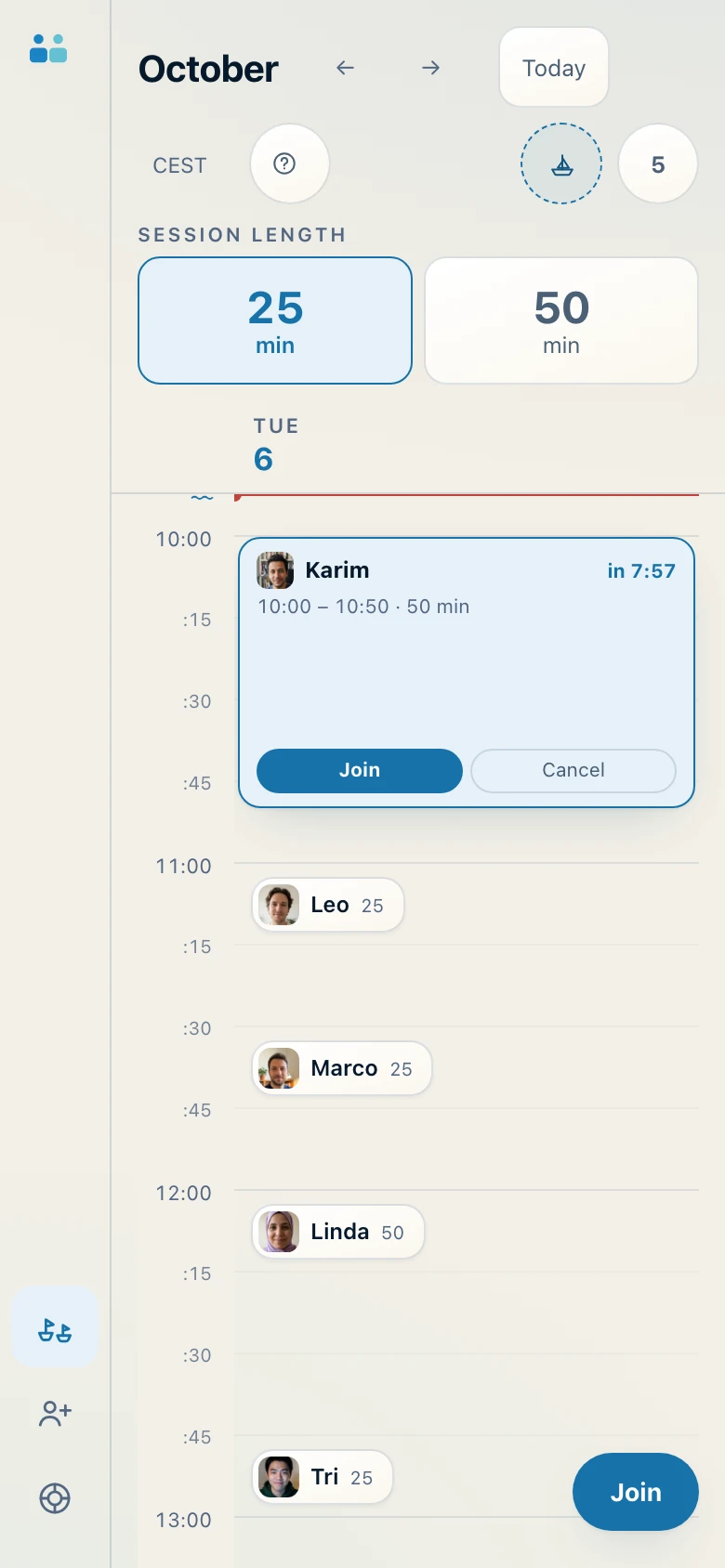
App screenshot with sample data.
Body doubling is a new name for an old thing
Doing your own tasks while someone else does theirs, in the same room. It's what happens in a library, a study room, at a shared table. People started calling it body doubling, and the name stuck.
It isn't a medical technique, and we don't promise it will make you more productive: nobody could keep that promise. We say something simpler that you can check: many people find it easier to start when someone is expecting them at a set time. Here, you choose that time.
Four steps, always the same
- Choose the length: 25 or 50 minutes.
- Choose a time: there's one every quarter hour, day and night. In the calendar you can see who has already booked.
- At the right time, join: we match you with someone who chose the same time and the same length. It's a video call for two, not a group.
- One sentence, then silence: you tell each other what you'll do, you work, and at the end there are two minutes to say how it went.
The rules for the first sentence and the last two minutes are in the first two minutes of a session.
It works in your phone's browser
There's nothing to download from a store: open the site, sign in with Google, Microsoft or your email, and book. Your phone uses its own camera and microphone, as in any video call.
Many people use it like this: the phone propped up in front of them with the other person on screen, and the real work on the computer, in a book or in a notebook. All the practical tips are in virtual coworking from your phone.
Who's on the other side, and under which rules
The service is for adults only. Calls are not recorded: on our server, recording simply doesn't exist. You can block a person at any time, and you won't be matched with them again; you can report them, and the report is read by a person.
All the details, including what the other person sees of you, are in working on a video call with someone you don't know: is it safe?